
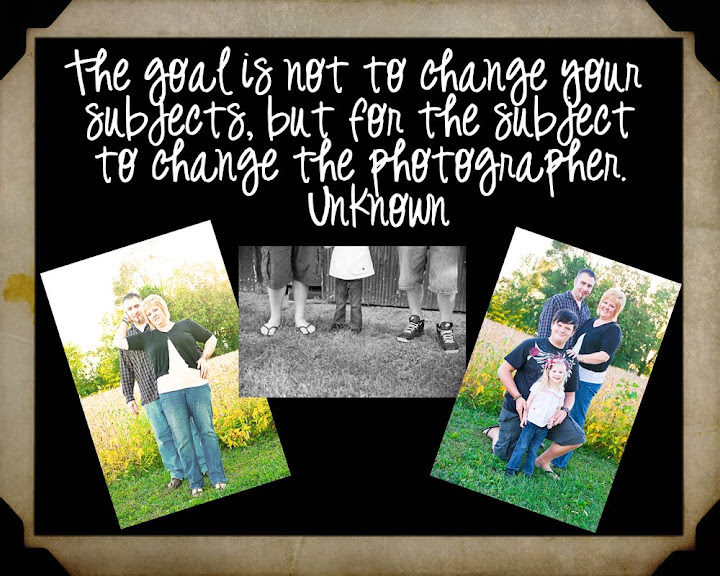
I have been so into textures lately that while I was doing laundry, I happened to notice two of our basement windows that have frosted glass! I dropped the laundry and ran up to get my camera! Here are some photos that I processed using my newly created textures.


OK, think you get the idea so here are a few tips for using textures for you that have never used them before! All you do is open your photo and your texture in your favorite editing program. Next, you copy and past your texture on top of the photo and then lower the opacity so you can see your photo below! Next, you will erase (using the eraser tool) where you do not want texture, like, a face or skin. Adjust your final opacity to taste and flatten your image and viola, texture!! So here are my freebies all you have to do is right click and save the image to your computer! If you use it just come back let me know so I can see your art!!
By the way, a HUGE thanks going out to Diana at Custom Blog Designs for giving me the blog of my dreams again!! She did the first design over a year ago when I won a blog makeover!! I am proud to call her friend! Diana, you rock my world with your creativeness!!
Here are the freebies: Enjoy!!







 Posts
Posts


